How to write better ChatGPT prompts (stop using it like Google)
How to write better ChatGPT prompts in 3 small changes: context, format and one line that fixes most bad answers. Copy-paste examples that work in Claude too.

Most people type a few words into ChatGPT, the way they’d search Google, and get a generic answer back. AI works better when you treat it like a new assistant: it knows nothing about you until you tell it. Here’s how to write better ChatGPT prompts in three small changes: give it context, say what you want back, and let it ask you questions first.
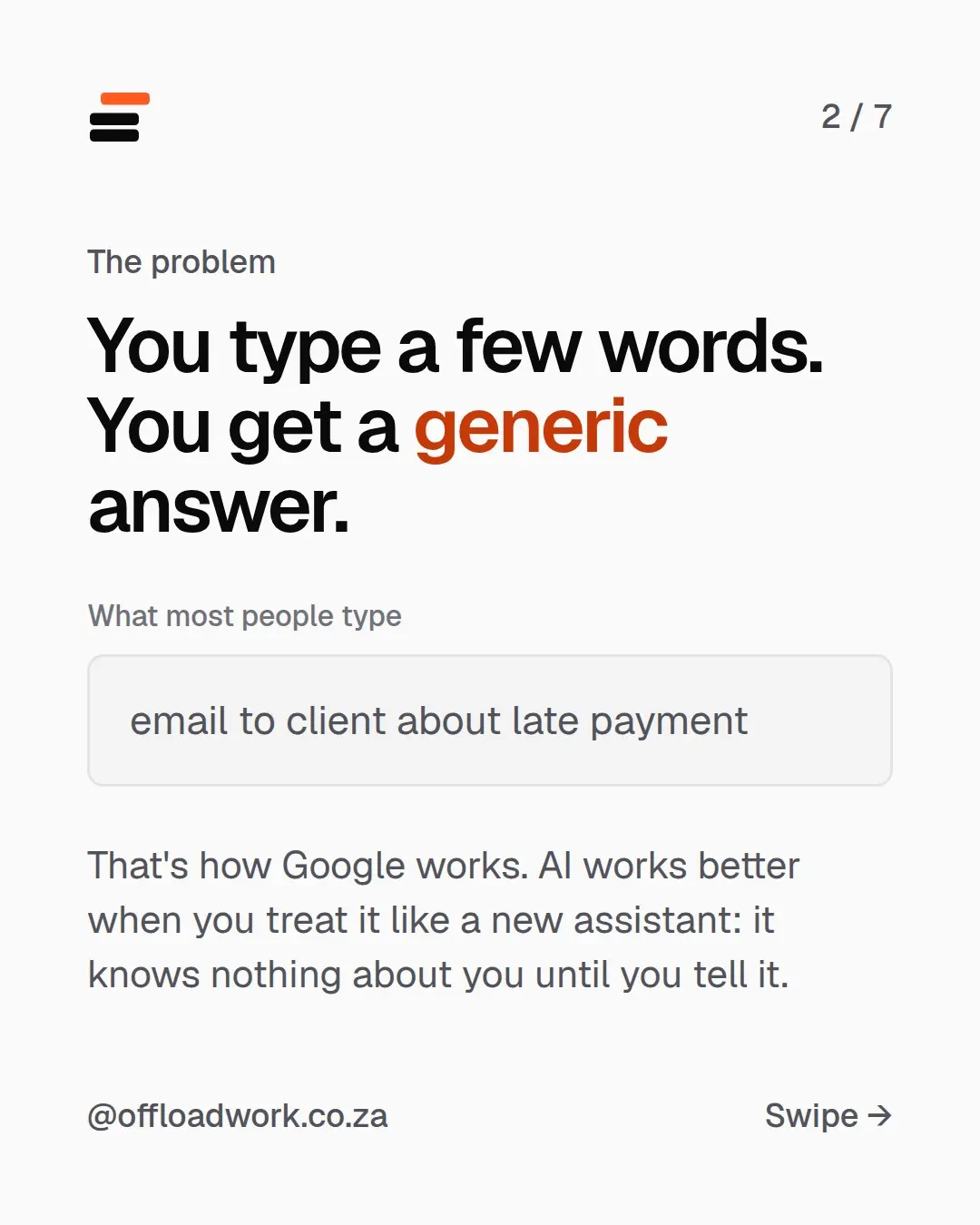
The problem: you type a few words, you get a generic answer
Here’s what most people type:
email to client about late payment
That’s how Google works. Short keywords, and it finds pages that match. But ChatGPT isn’t finding a page. It’s writing something new, and it has to guess everything you didn’t say: who you are, who the client is, how late the payment is, and whether you want to keep this client.
So it plays it safe. You get “Dear [Customer Name], I hope this message finds you well…” and you rewrite most of it yourself. That’s not the AI being bad. That’s the AI being briefed badly.
These three changes work the same in ChatGPT, Claude and Gemini, on the free plans.
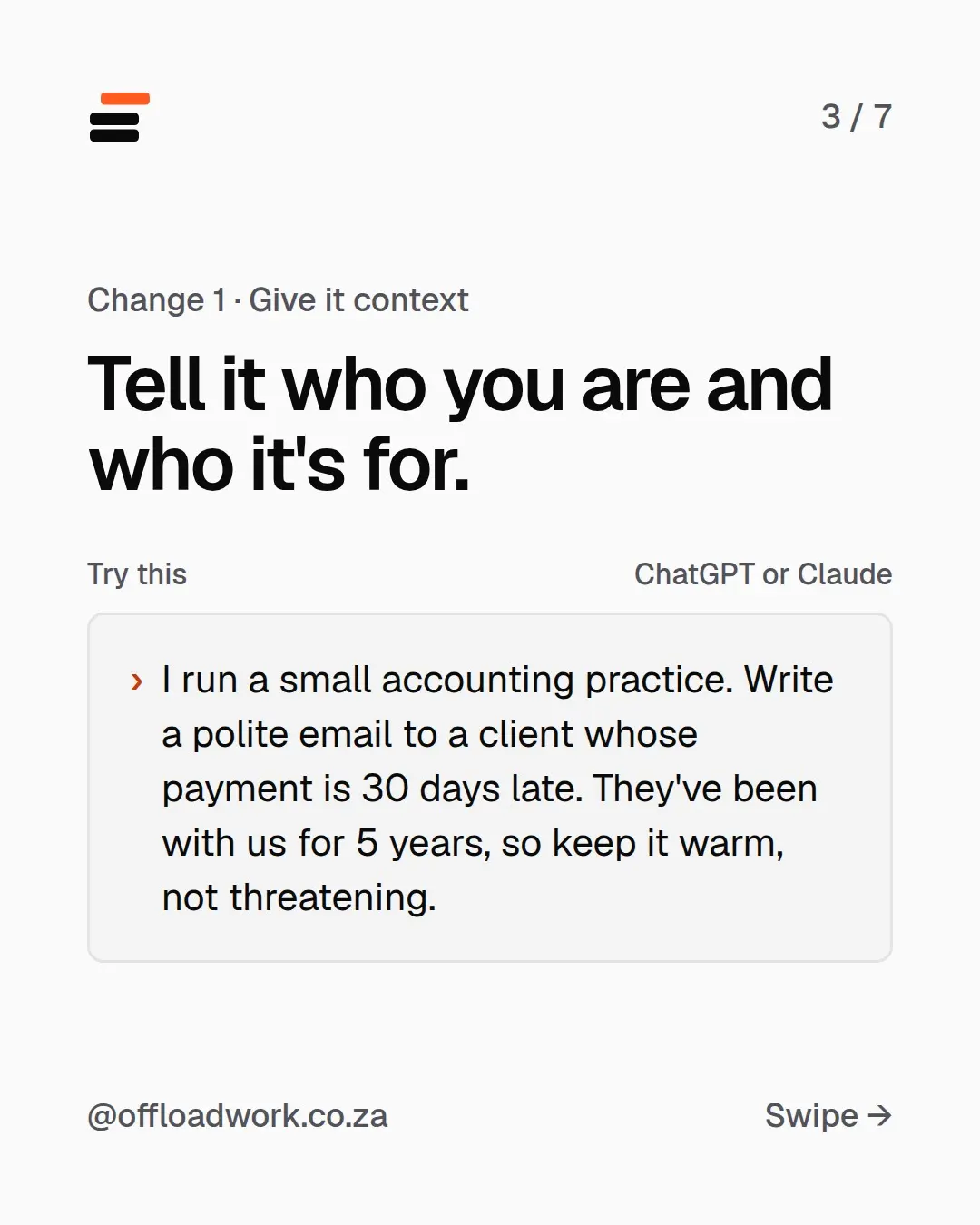
Change 1: give it context (who you are and who it’s for)
Tell it what you’d tell a new colleague on their first day.
I run a small accounting practice. Write a polite email to a client whose payment is 30 days late. They've been with us for 5 years, so keep it warm, not threatening.
Look at what that adds:
- Who you are: “I run a small accounting practice” changes the tone, the vocabulary and what it assumes you can offer.
- Who it’s for: a client of five years, not a stranger.
- What matters: keep the relationship. Don’t threaten.
Full sentences are fine. Spelling mistakes are fine too. It’s not a search box, so you don’t need to squeeze your request into keywords.
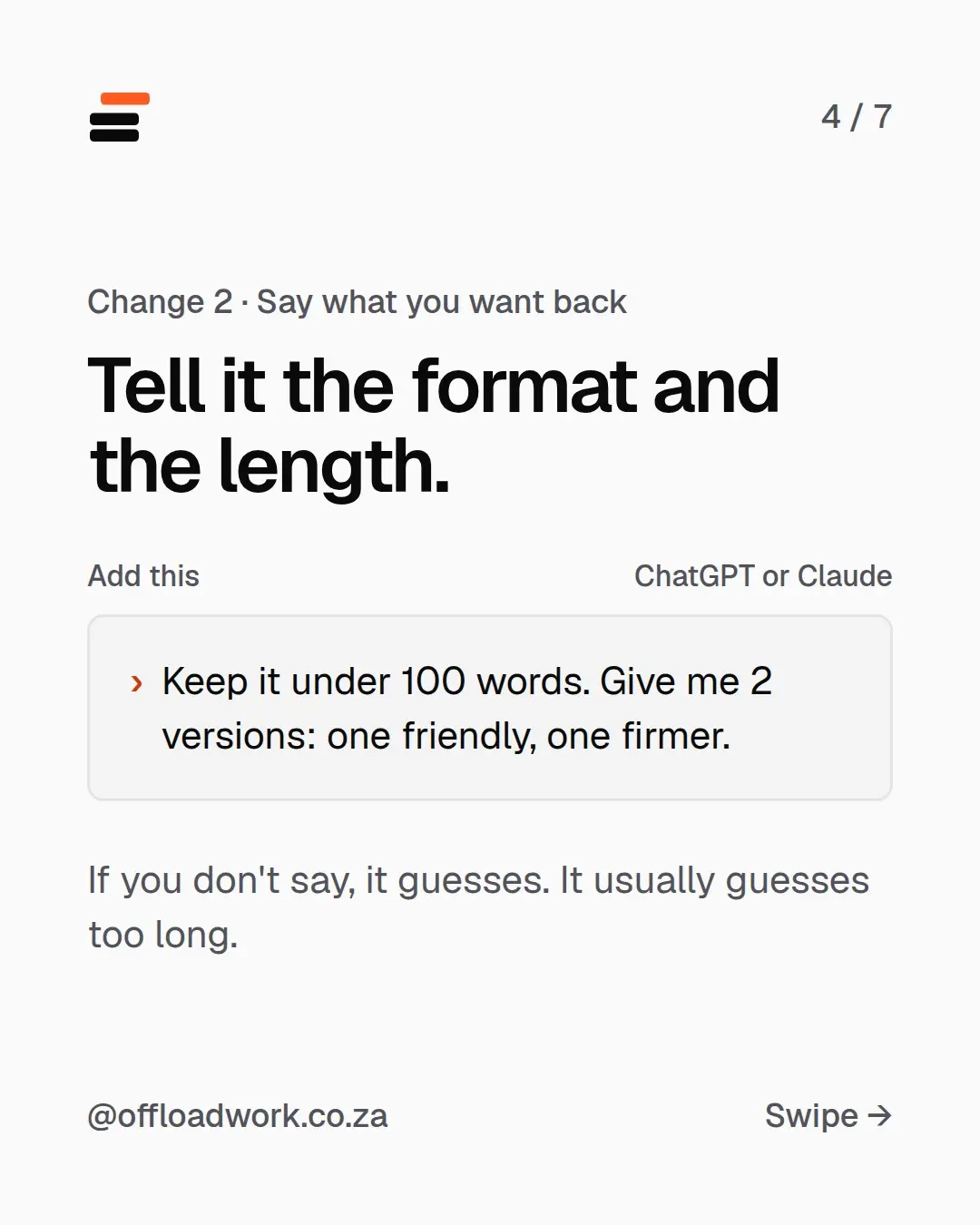
Change 2: tell it the format and the length
Add a line about what you want back:
Keep it under 100 words. Give me 2 versions: one friendly, one firmer.
If you don’t say, it guesses, and it usually guesses too long. Asking for two versions is a small trick with a big payoff: you compare and pick, instead of editing one draft over and over.
Other format lines worth stealing:
- “As 5 bullet points.”
- “As a table with columns for name, date and amount.”
- “Subject line first, then the email.”
- “In plain words, for someone who isn’t technical.”
Want one prompt like this in your inbox every week? The Offload newsletter sends one tested workflow and one prompt to copy. Two minutes to read.
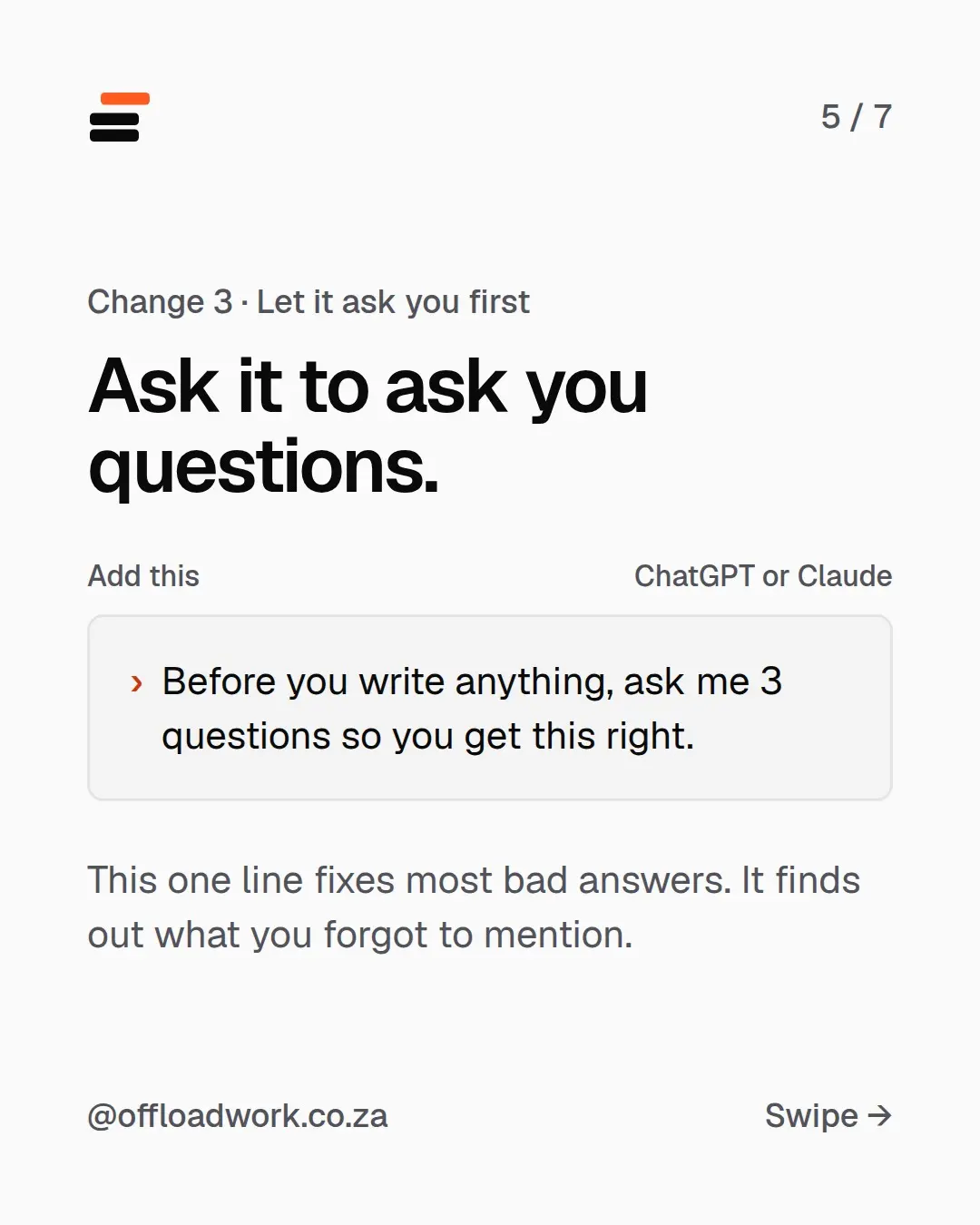
Change 3: let it ask you questions first
This is the one-line habit that fixes the most answers:
Before you write anything, ask me 3 questions so you get this right.
It finds out what you forgot to mention. For the late-payment email it might ask: is there a new due date, do you charge interest on late payments, and should it mention how to pay? Answer in a line each, and the draft that comes back is close to done.
It’s so useful that OpenAI built a version of it into GPT-6, which now asks before it guesses when a request is unclear. Here’s what else changed in GPT-6. The line still works on any AI, so keep it.
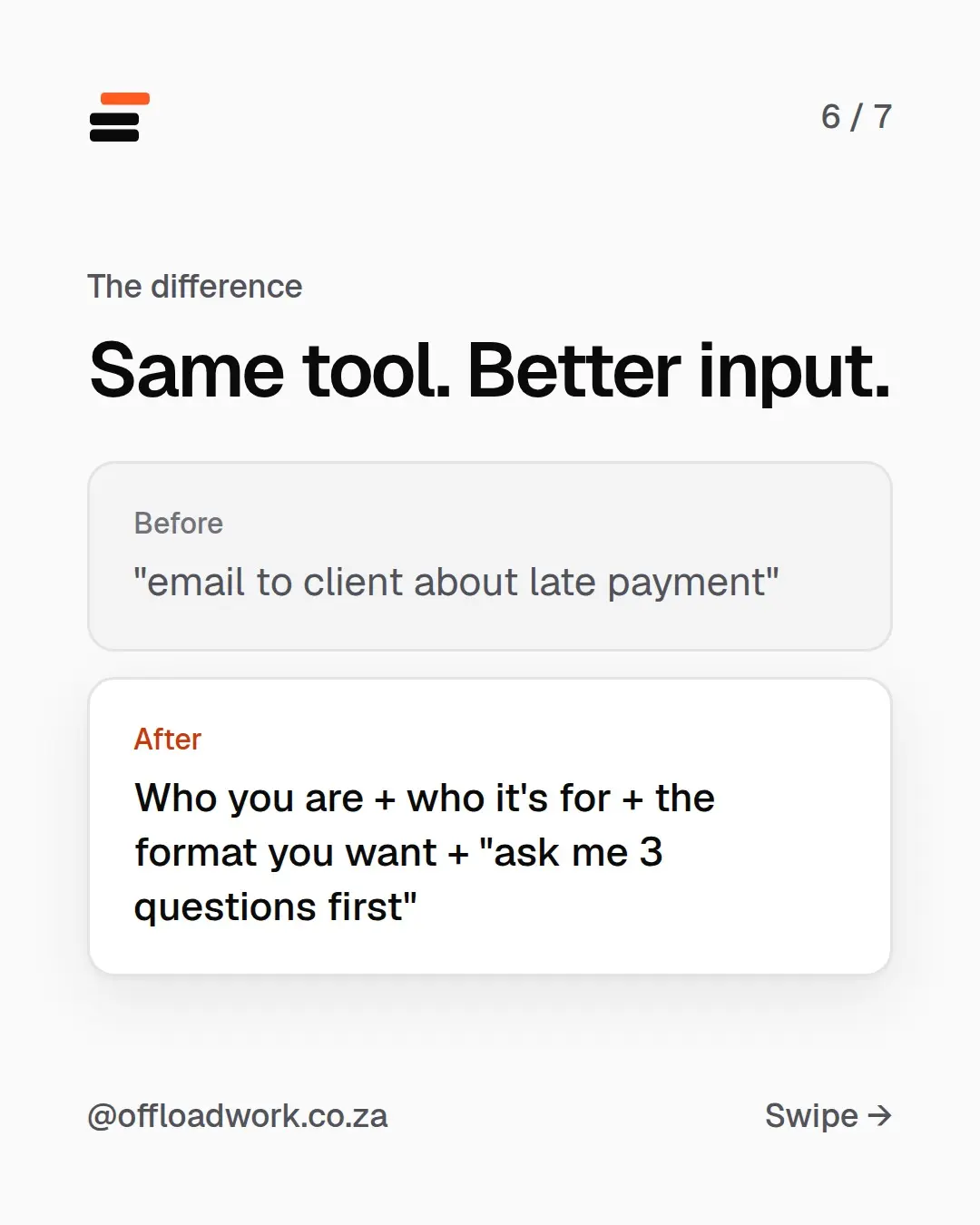
The difference: same tool, better input
Before: “email to client about late payment”
After: who you are + who it’s for + the format you want + “ask me 3 questions first”
That’s the whole method. Put together:
I'm a [your job]. I need [what you need] for [who it's for]. [One line on what matters]. Keep it [length / format]. Before you write anything, ask me 3 questions so you get this right.
Try it now on something from your week. Five everyday prompts are ready to copy in 5 things to ask AI at work this week.
Stop typing the same background every time
Once you’ve done this a few times, you’ll notice you keep typing “I run a small accounting practice”. Don’t. Save it once:
- Your job, tone and country go in custom instructions (ChatGPT) or personal preferences (Claude). Every new chat starts off knowing them. Five-minute setup.
- Jobs you repeat every month, like a report with a template, go in a Project with your instructions and files already inside. How to use Projects.
Where people get stuck
Knowing what background matters for your kind of work. A bookkeeper and a sales rep need different things. Start with the three changes above, then add whatever you’d tell a new hire. If the answer is still off, reply like you would to a person: “shorter”, “friendlier”, “you missed the deadline”. The first answer is a draft.
The free AI guide starts with exactly this, then walks you through the settings most people never find. More common mistakes and their fixes are in Stop / start.
Questions
Does this work in Claude and Gemini too?
Yes. ChatGPT, Claude and Gemini all give better answers when you say who you are, who it's for and what you want back. It works on the free plans.
Do I have to write long prompts every time?
No. Two or three full sentences is enough. If you type the same background every day, save it once in your settings instead (see 'Make ChatGPT and Claude remember who you are').
What if the first answer still isn't right?
Reply like you would to a person: 'shorter', 'friendlier', 'add the date'. Treat the first answer as a draft, not the final word.
Is it bad to ask AI to ask me questions?
It's one of the best habits you can build. It finds out what you forgot to mention before it writes anything, so you fix less afterwards.